
Four models, one workspace
Switch between image models without leaving the page or reloading your settings.
Generate new images or edit up to 3 references through one browser workspace.
Result will appear here
The image model lineup
Generate from text or edit reference images with the full model lineup — Klein for speed, Pro for balance, Max for fidelity, and Flex for control. Same generator, same credit pool, models you can switch between instantly.
Why the studio
Switch between image models without leaving the page or reloading your settings.
Start from a text prompt or upload up to 3 reference images for precise edits.
Pick standard, high, or ultra output resolution to balance speed and fidelity for each job.
No subscriptions — credits scale with the model, mode, and quality tier you choose.
One workspace, several image models
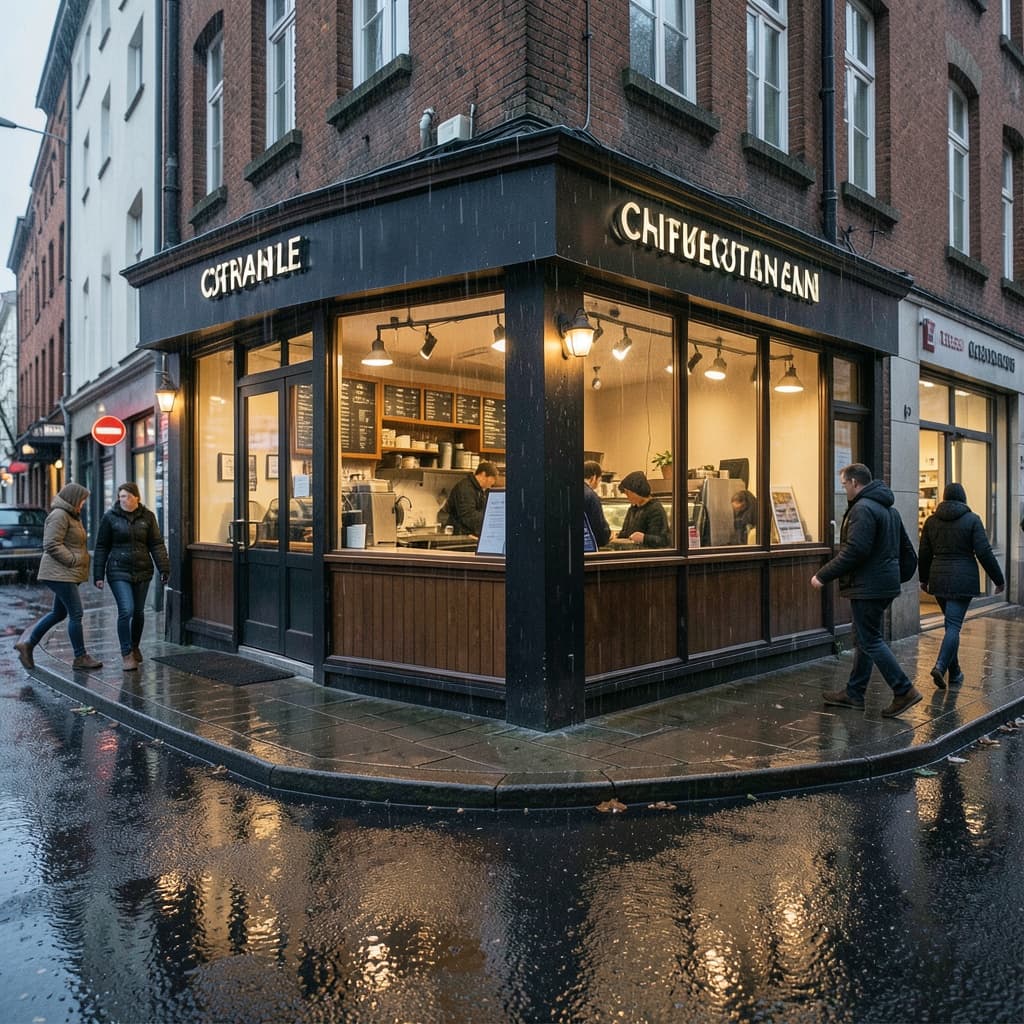
Fastest · from 1 credit
Fast concept generation · High-volume drafts · Everyday image editing
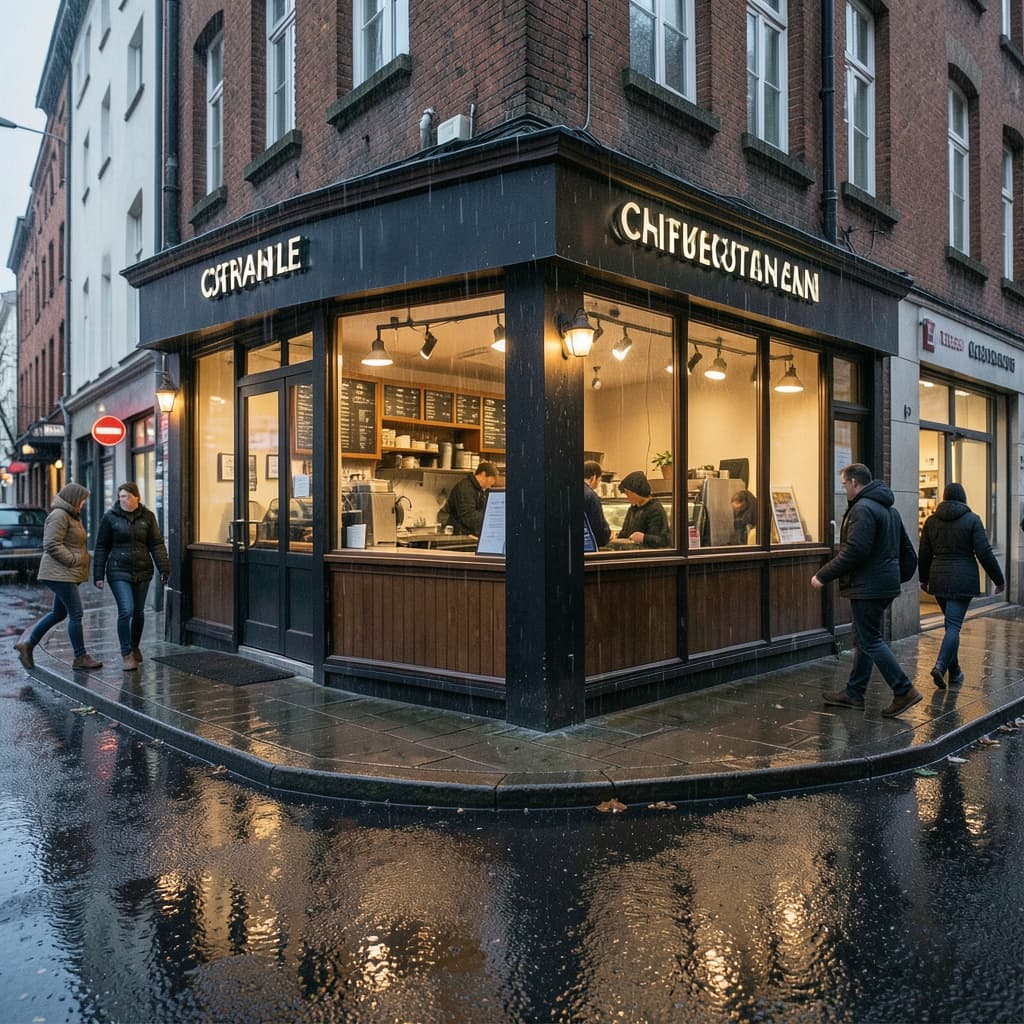
Ultra-fast distilled · from 1 credit
High-volume drafts · Real-time prompt iteration · Batch concept generation

Open-weights mid-tier · from 2 credits
Studio-grade drafts · Open-weights fine-tuning · Reference-based edits

Production quality · from 2 credits
Production visuals · Product photography · High-fidelity editing
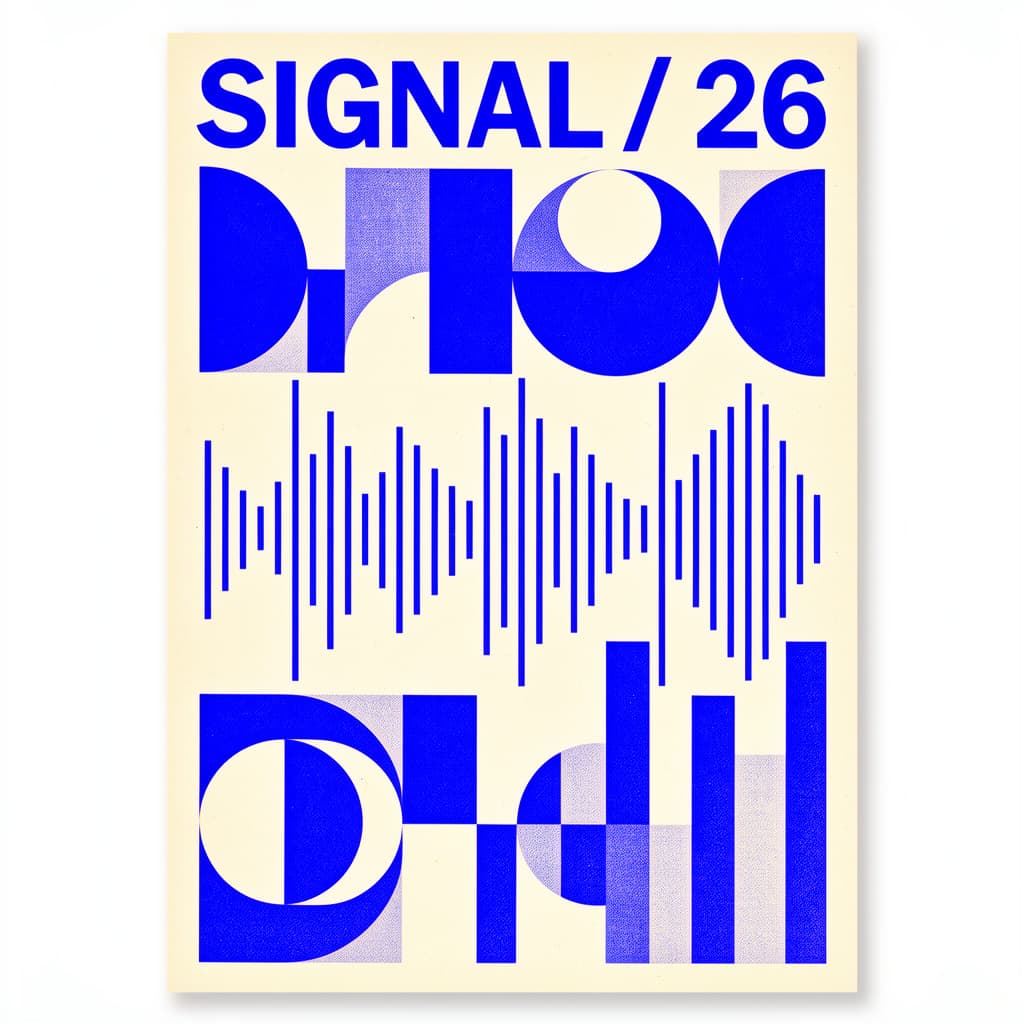
Typography & control · from 3 credits
Typography and posters · Detailed art direction · Controlled compositions
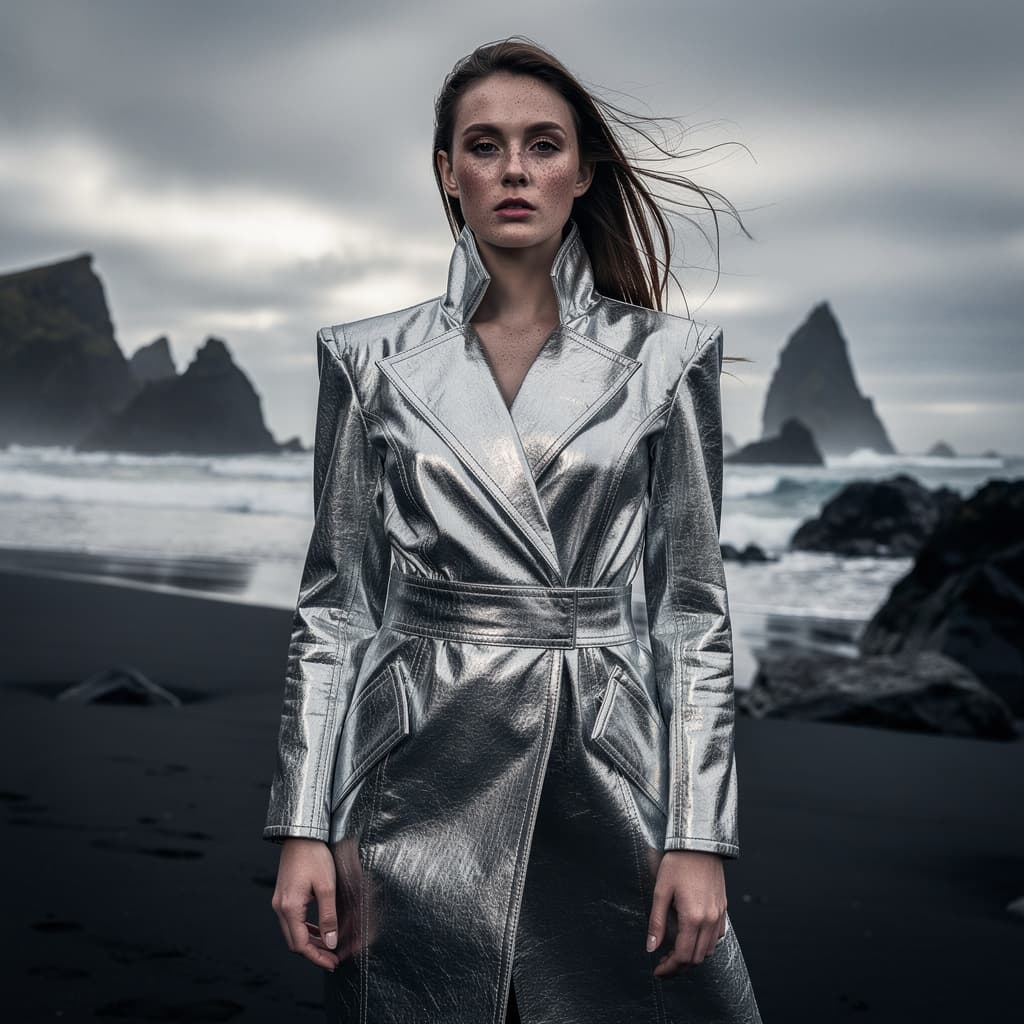
Highest fidelity · from 4 credits
Campaign key visuals · Premium brand assets · Complex reference edits
Pick a model, write a prompt or upload references, and generate directly on this page.